Introduction
Once Kali was installed, I carried out an exercise in hiding information using steganography.
I used the Stego tool to hide text inside an image.
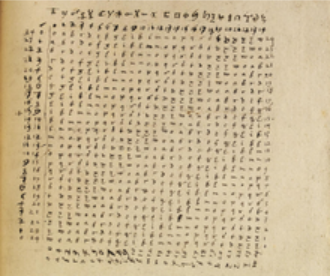
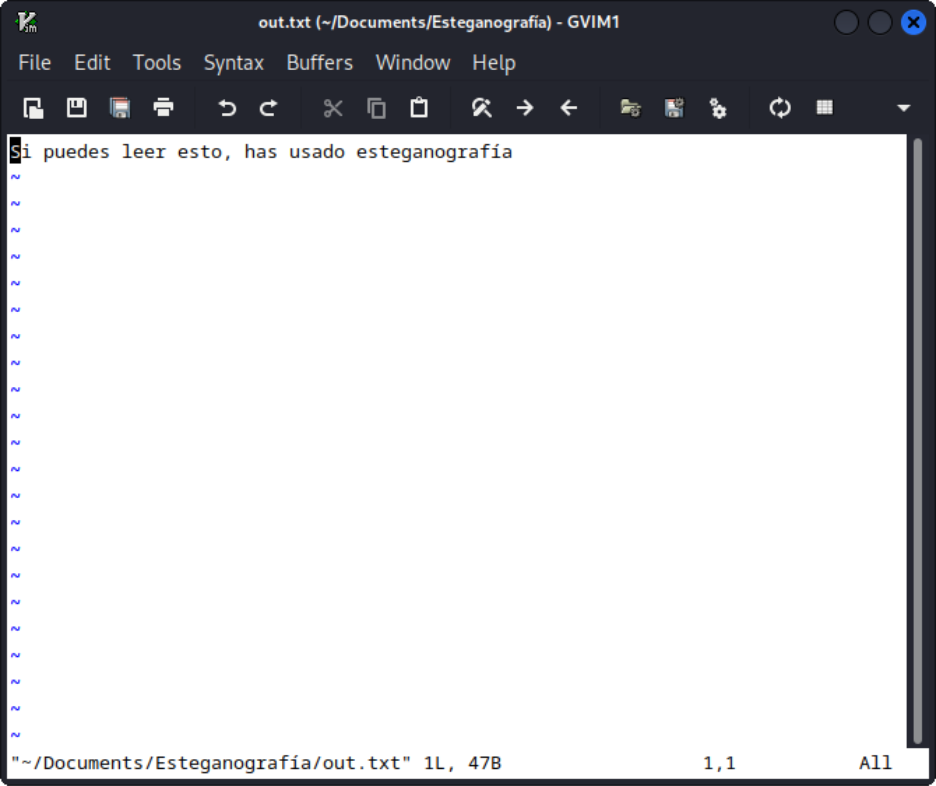
The text to hide will be: “If you can read this, you have used steganography”.
The image used will be:
Procedure
Installing the tools
By default, Kali already comes with python3, pip3, and git
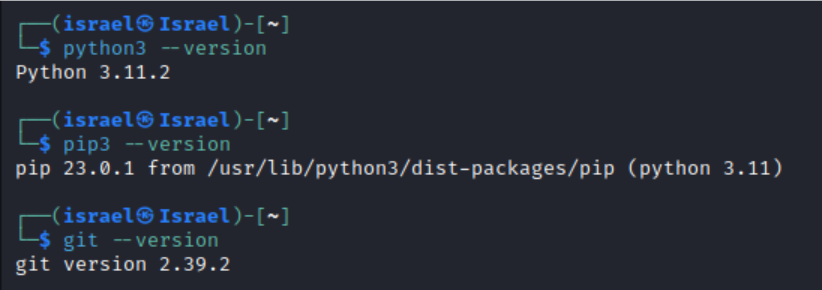
The commands in the guide didn't work for me, so after checking the documentation I realized it could be installed with pip

And now we can use the tool
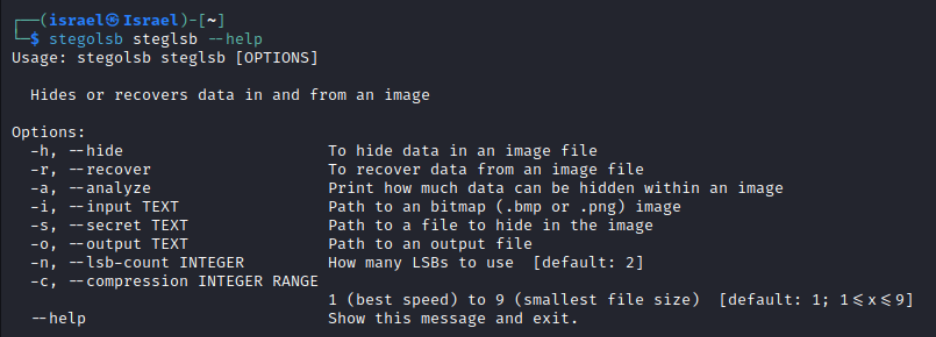
Using the tool
We start the exercise with these files
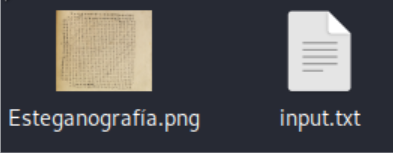
The content of input.txt is:
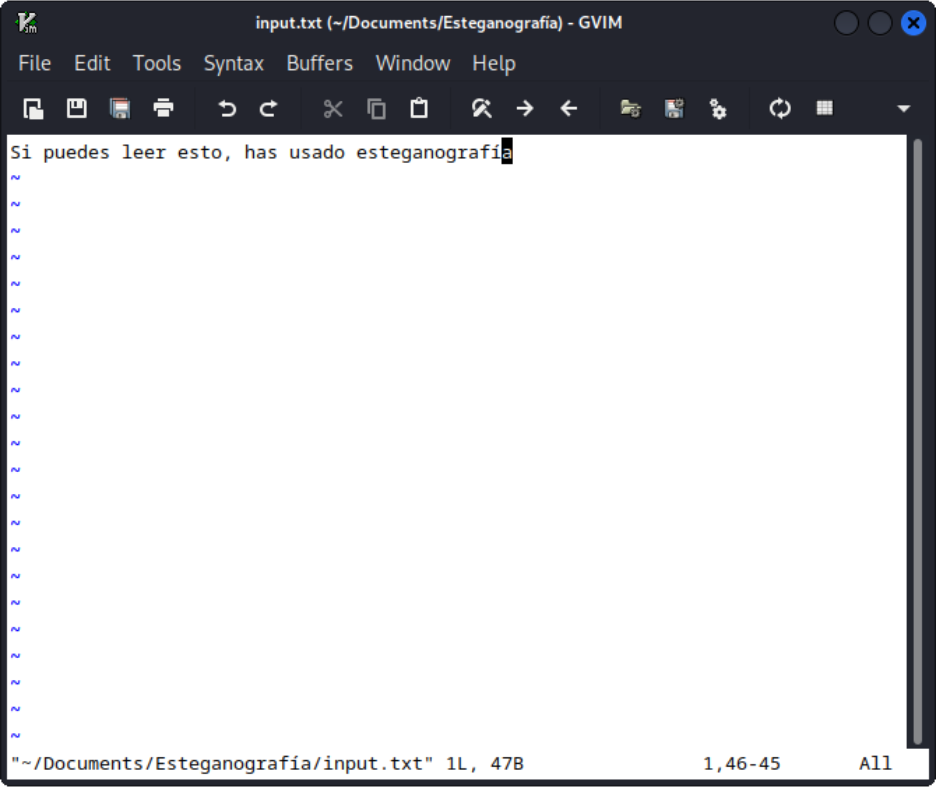
Running the command “stegolsb steglsb -h -i Esteganografía.png -s input.txt -o out.png” gives us this output in the console:

And now there is another file in the directory:
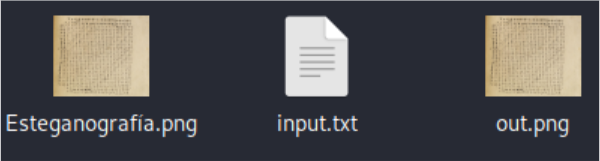
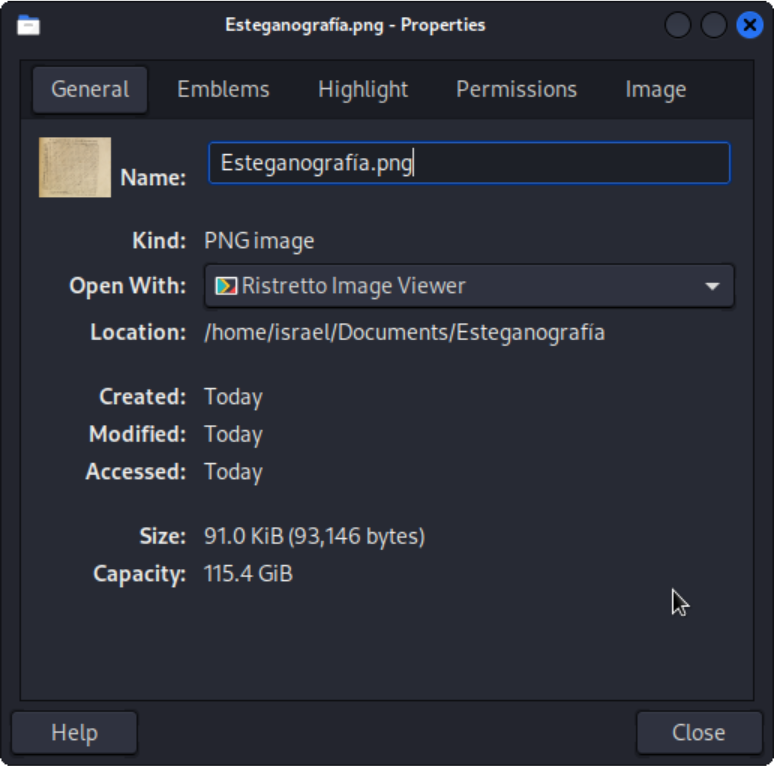
Comparing the properties of these files:
Original:
Modified:
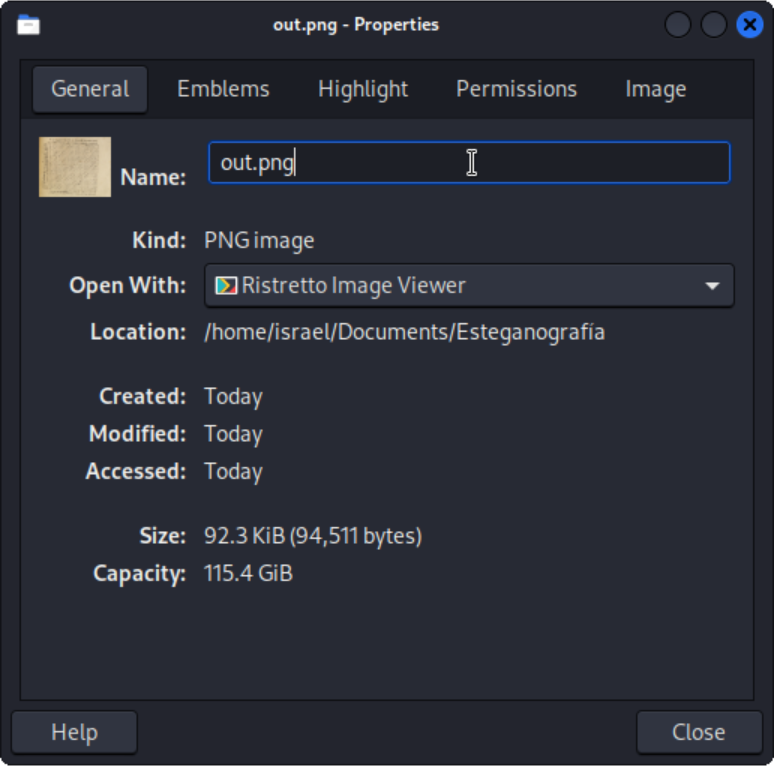
You can see that the modified file is larger.
Now we'll decode the hidden message with the following command: “stegolsb steglsb -r -i out.png -o out.txt”
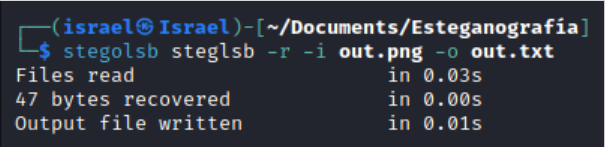
Now there are 4 files in the folder

Inside the out.txt file is:
References:
- Esage A. (2019). 7 herramientas de esteganografìa para enviar mensajes secretos usado por gobierno. Retrieved May 17, 2023, from https://noticiasseguridad.com/tutoriales/como-usar-esteganografia-para-enviar-mensajes-secretos/